Screen and state capture
Capture the exact app state
Use deeplinks and saved capture targets to open the right screen, language, state, and data before each store screenshot is taken.
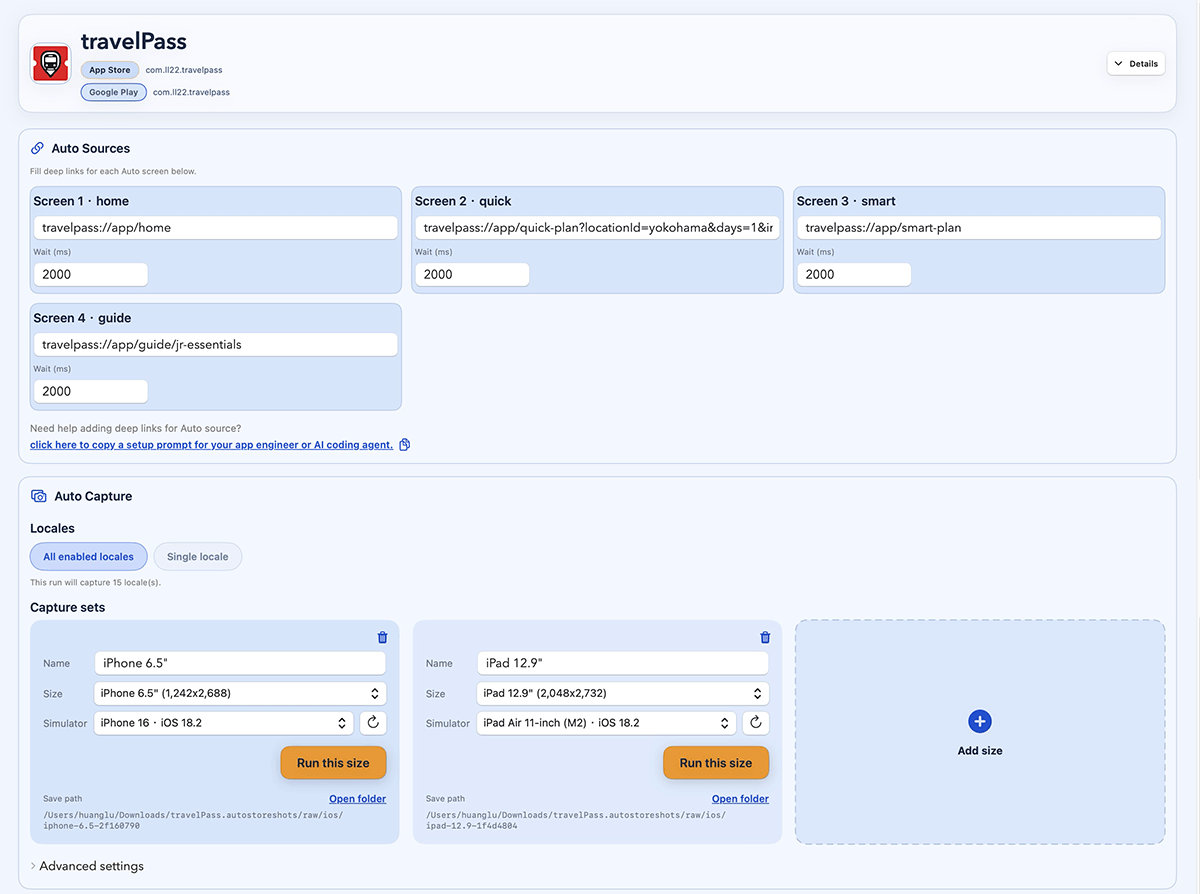
- Capture onboarding, logged-in, paywall, empty, and filled states without repeating the setup by hand.
- Keep screen routes, devices, locales, wait timing, and capture targets in one place.
- Run the same capture setup for a new launch, localized rollout, or app update.