
Store Screenshot Studio
Update store screenshots without repeating every capture step
When UI, copy, pricing, onboarding, or localization changes, rerun the capture targets instead of manually switching language, opening pages, preparing data, and saving files.
macOS app. Start free with 100 successful exports/month.
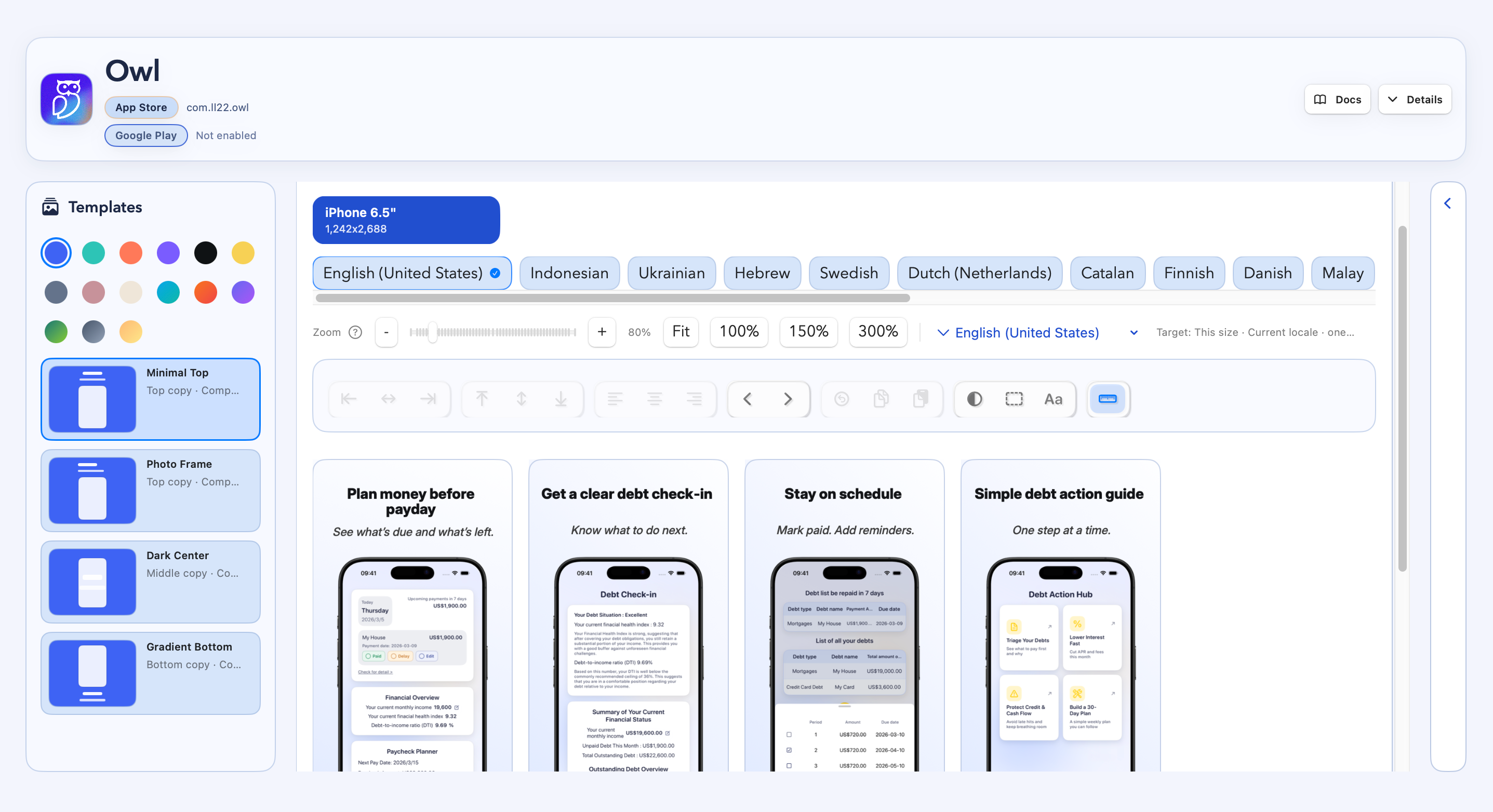
Launches and updates share the same pain: every screenshot needs the right language, state, data, and output.
How it works
Four steps from capture target to store-ready files.
Reuse screenshot targets
Refresh changed screens
Review copy and layout
Export updated folders
Update workflow
New launches and updates both need repeatable capture
Keep capture targets
Store the screen routes, locales, devices, and setup links that define each screenshot.
Regenerate changed sets
When a product screen or localized copy changes, rerun the relevant capture and review steps.
Export clean folders
Generate organized App Store or Google Play output without hand-saving and sorting screenshots.
Demo
See an update move from recapture to store export
FAQ
Questions before you download.
Is this only useful after an app is already live?
No. New app launches have the same capture problem. This page focuses on updates because that is a common search intent.
What if only one screen changes?
You can focus on the affected screens and languages instead of rebuilding the whole process by hand.
Do I need deeplinks?
Automatic capture works best when your app can open the screens you want through deeplinks, routes, or intent URLs. You can also use manual uploads for screens that cannot be automated yet.
Can it prepare sample data?
You can run setup links before capture, use demo accounts, or pass state through your capture links so screenshots use stable sample data instead of live user data.
Does it support App Store and Google Play?
Yes. You can create screenshot projects for iOS, Android, or both, then export complete store-ready screenshot sets.