Store Screenshot Studio
Generate Google Play screenshots from repeatable Android app states
Capture Android screens with the right language, page, state, and sample data, then finish localized copy, layouts, and Play Console-ready folders.
macOS app. Start free with 100 successful exports/month.
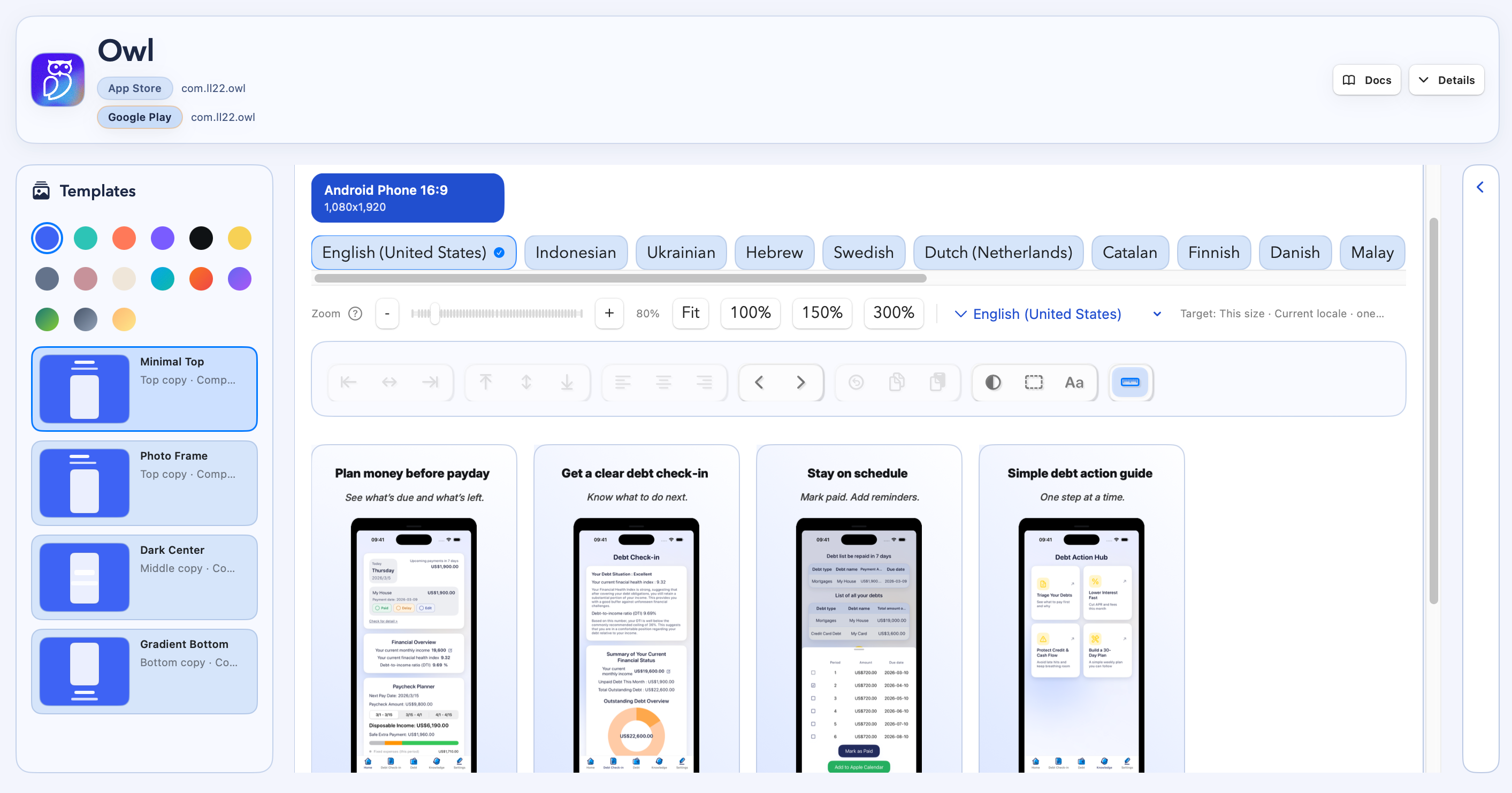
Create Google Play-ready assets after the source screens, states, and languages are captured.
How it works
Four steps from capture target to store-ready files.
Create an Android project
Capture target states
Review localized layouts
Export Play screenshots
Google Play capture
Build Android store screenshots around repeatable capture
Capture Android states
Open specific screens and app states on Android devices or emulators before screenshot capture.
Localize the set
Manage language targets and screenshot copy for the Play markets you need.
Export Play folders
Generate organized Google Play screenshot output ready for your listing workflow.
Demo
See Android capture become Google Play screenshots
FAQ
Questions before you download.
Can I create Android screenshots only?
Yes. You can create Android-focused screenshot projects without adding iOS targets.
Do I need deeplinks?
Automatic capture works best when your app can open the screens you want through deeplinks, routes, or intent URLs. You can also use manual uploads for screens that cannot be automated yet.
Can it prepare sample data?
You can run setup links before capture, use demo accounts, or pass state through your capture links so screenshots use stable sample data instead of live user data.
Can I use one workflow for iOS and Android?
Yes. You can create projects for iOS, Android, or both when a store launch or update needs both listings.
How does billing work?
Billing is handled on the website. The macOS app and website use the same account, so your plan syncs after you sign in.