Store Screenshot Studio
Prepare sample data before your app screenshots are captured
Store screenshots should not depend on random live data. Seed demo content, run setup links, and capture clean states for every language and device.
macOS app. Start free with 100 successful exports/month.
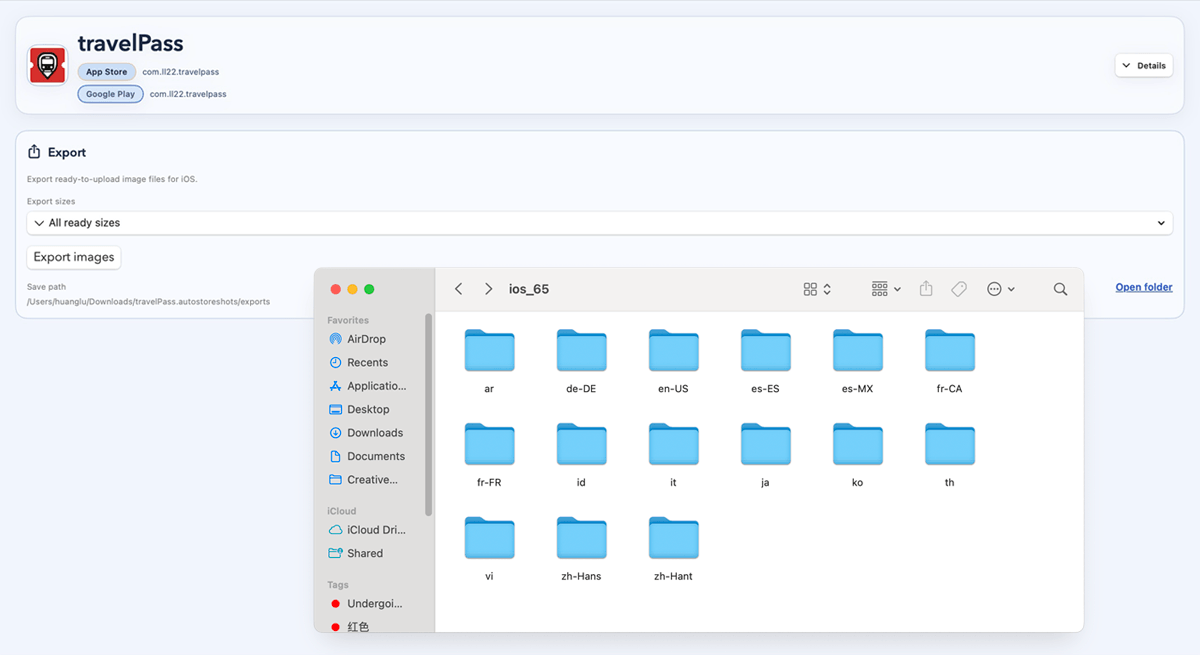
Use stable data and setup steps so every screenshot shows the intended product story.
How it works
Four steps from capture target to store-ready files.
Plan demo data
Add setup links
Capture clean states
Export store screenshots
Sample data
Clean store screenshots need predictable data
Avoid live user data
Use demo records, mock content, or controlled accounts for screenshot-ready screens.
Run setup before capture
Prepare account state, selected records, environment flags, or default filters before the final screenshot link opens.
Keep it reproducible
Save the data setup with the capture target so the same screenshot can be regenerated for another language or update.
Demo
See sample data become repeatable screenshot targets
FAQ
Questions before you download.
Can it prepare sample data?
You can run setup links before capture, use demo accounts, or pass state through your capture links so screenshots use stable sample data instead of live user data.
Does Store Screenshot Studio generate mock data automatically?
It does not know your product data model by itself. It gives you a workflow to run setup links, demo accounts, and capture targets so your app can prepare the correct sample data.
Why not use real user data?
Real data can change, expose private information, and make screenshots hard to regenerate. Store screenshots work better with stable demo data.
Do I need deeplinks?
Automatic capture works best when your app can open the screens you want through deeplinks, routes, or intent URLs. You can also use manual uploads for screens that cannot be automated yet.
Does it support App Store and Google Play?
Yes. You can create screenshot projects for iOS, Android, or both, then export complete store-ready screenshot sets.