Store Screenshot Studio
Create localized App Store screenshots from repeatable app states
For every target language, open the right app screen, prepare the right state, apply localized copy, and export complete store screenshot folders.
macOS app. Start free with 100 successful exports/month.
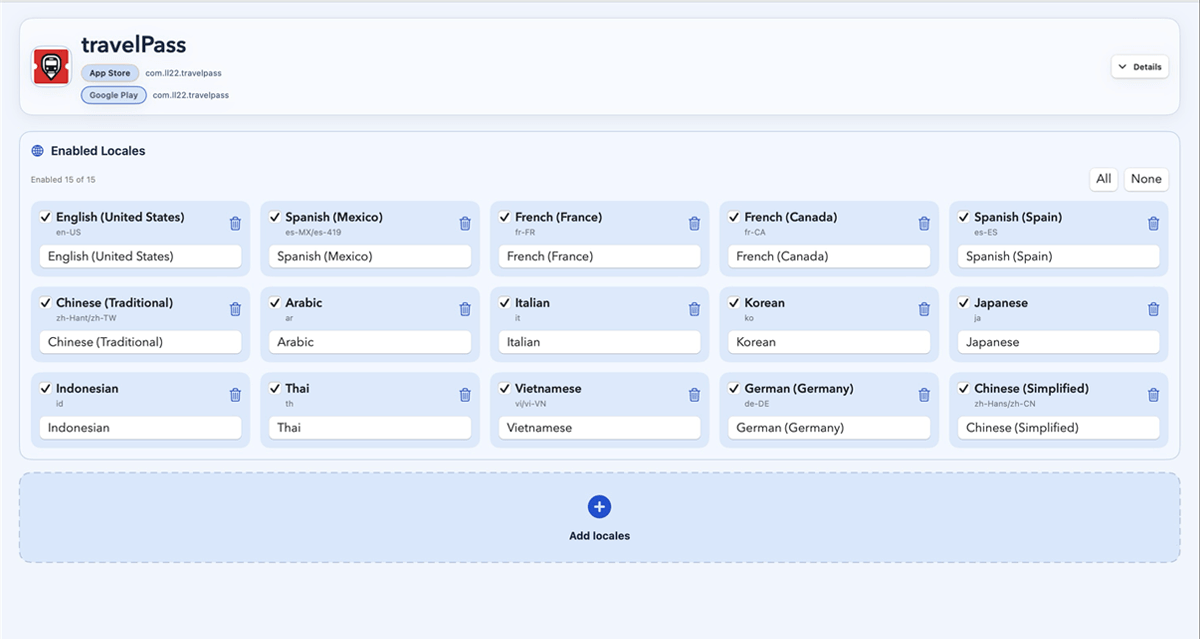
Turn languages, screen targets, copy, and final output into one repeatable screenshot process.
How it works
Four steps from capture target to store-ready files.
Choose listing locales
Define capture targets
Review localized layouts
Export store folders
Localization workflow
Build localized screenshot sets around real app states
Capture by language
Run the same screen across target locales instead of changing language and navigating by hand.
Keep state stable
Use setup links or sample data so every localized screenshot shows the intended product state.
Finish the listing set
Apply localized copy, preview layout issues, then export organized App Store or Google Play folders.
Demo
See one app screen become a localized screenshot set
FAQ
Questions before you download.
Is this only for translation?
No. Translation is only one part. The harder part is capturing the correct screen, state, data, device, and language for every store screenshot.
Can I review each language before export?
Yes. You can preview localized screenshots before exporting final files.
Can it prepare sample data?
You can run setup links before capture, use demo accounts, or pass state through your capture links so screenshots use stable sample data instead of live user data.
Does it support App Store and Google Play?
Yes. You can create screenshot projects for iOS, Android, or both, then export complete store-ready screenshot sets.
Can I use it for free?
Yes. You can start free with 100 successful exports per month. Failed exports do not count against that limit.